Tools
CSP hash calculator
Paste an inline script or style and get its hash to allowlist it in your Content-Security-Policy.
Guide
Understanding CSP hashes
This CSP hash generator lets you keep a specific inline script or style in your pages while running a strict Content-Security-Policy, without falling back to the unsafe 'unsafe-inline' keyword.
What is a CSP hash?
A CSP hash is a base64-encoded SHA digest of the exact contents of an inline script or style element. You add it to your policy so the browser executes only that exact snippet and blocks everything it did not expect.
Because the value is derived from the code itself, a strict policy can allow the inline code you trust while still stopping any script an attacker manages to inject into the page. Read the full explanation in the CSP hashes and nonces guide.
Remove unsafe-inline without breaking your inline scripts
Copy the generated value, including the sha256- prefix and the surrounding quotes, into your script-src directive for scripts or style-src for styles. You can list several hashes in the same directive.
Hash only the content between the tags, never the script or style tags themselves. The digest must match the inline content byte for byte, so a single added space or line break produces a different hash and the browser will reject it. For the complete directive syntax, see the script-src directive.
Content-Security-Policy:
  script-src 'self' 'sha256-RFWPLDbv2BY+rCkDzsE+0fr8ylGr2R2faWMhq4lfEQc=';

# the same generated value, for an inline <style> block instead
Content-Security-Policy:
  style-src 'self' 'sha256-RFWPLDbv2BY+rCkDzsE+0fr8ylGr2R2faWMhq4lfEQc=';
Why your CSP hash does not match
Almost every mismatch is a byte that changed after you hashed. A template engine or a minifier reformatted the script on the next build; a CDN stripped or added whitespace inside the tag; the value was taken from the tags rather than from the content between them; or an editor left a trailing newline the browser does not see the same way you do.
The shortcut is to let the browser tell you. When a policy blocks an inline script, the console violation message prints the sha256 value the browser computed for that exact content, so you can copy it straight out of DevTools instead of guessing which byte moved.
One rule that catches people out: a hash in script-src does not cover inline event handler attributes such as onclick. Those are governed by script-src-attr and need 'unsafe-hashes', a weaker construct worth avoiding. Move the handler into the script block instead.
SHA-256, SHA-384, or SHA-512?
Content-Security-Policy accepts three algorithms. SHA-256 is the most widely used and is more than enough for every site; SHA-384 and SHA-512 produce longer values with no practical benefit for CSP. Pick one algorithm and use it consistently across your policy.
Hashes or nonces?
| Approach | What it allows | Breaks when the code changes | Needs a per-request server |
|---|---|---|---|
'unsafe-inline' | Every inline script on the page, including injected ones | No | No |
| Hash | Exactly the snippet you hashed, byte for byte | Yes, and that is the point | No |
| Nonce | Any script carrying this request's nonce attribute | No | Yes, a fresh value per response |
When you can modify the response on every request, prefer a nonce: it is unguessable, single-use, and keeps working even when the inline code changes, which makes it the more robust default. Reach for a hash only when a nonce is not practical, for static inline snippets or third-party code you cannot stamp per request. Strict policies usually lead with a nonce plus strict-dynamic and fall back to hashes where a nonce cannot reach. Both mechanisms are covered in depth in the CSP hashes and nonces guide.
script-src 'self' 'nonce-2726c7f26c' 'strict-dynamic';More free tools
Keep auditing with the other free tools
Every tool is free, runs without an account, and scores with the same severity scale.
CSP evaluator
Paste a policy that is not deployed yet and get the same scoring and findings as a live scan, no URL required.
- Audit before you ship
- Same scoring engine
SRI hash generator
Turn a CDN script or stylesheet URL into its Subresource Integrity hash, with a ready-to-paste tag and a CORS check.
- SHA-256, 384 and 512
- CORS verified for you
CSP scanner
Fetch a URL's live Content-Security-Policy and score it against known bypasses, wildcard sources and missing directives.
- Directive-level findings
- Shareable results link
Chrome extension
Watch violations stream in on a real page, swap the policy in Report-Only or Enforce, and test a fix without a deploy.
- Test against production pages
- No deploy to try a policy
FAQ
Frequently asked questions
Hashing, matching and where the value goes, answered.
See if your CSP breaks?
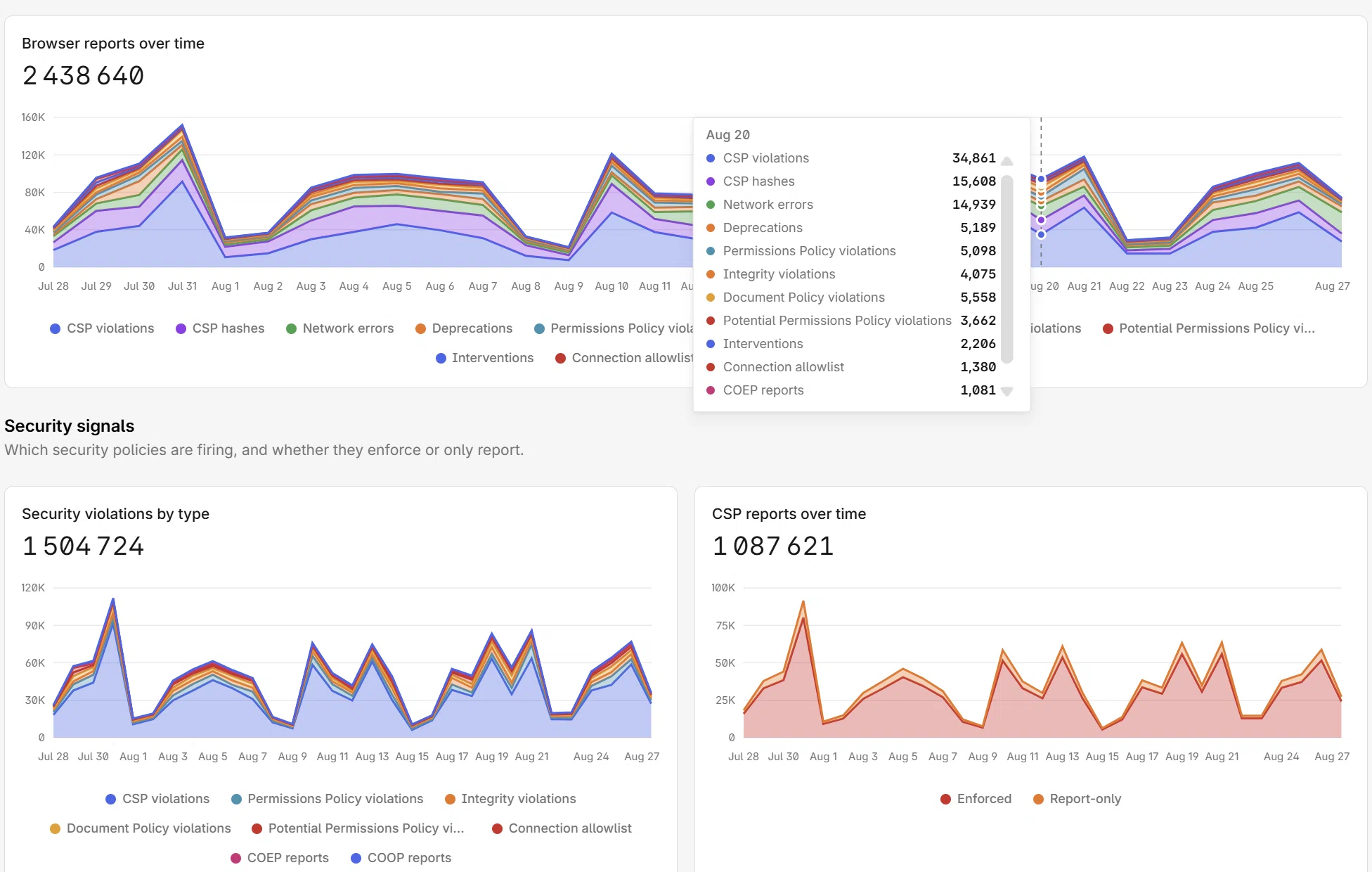
CentralCSP collects real Content-Security-Policy reports from your visitors' browsers, so you catch a broken policy or a blocked script before it costs you. Add one header, no code changes.