API and MCP
Anything you can click, your agent can too.
Connect the built-in MCP server and ask in plain language: your agent scans a site, reads the reports and comes back with what to fix first. The same coverage is a REST API when you would rather script it, authenticated with a workspace API key that carries your own roles.
Coverage
Every CSP report, script and alert over one REST API.
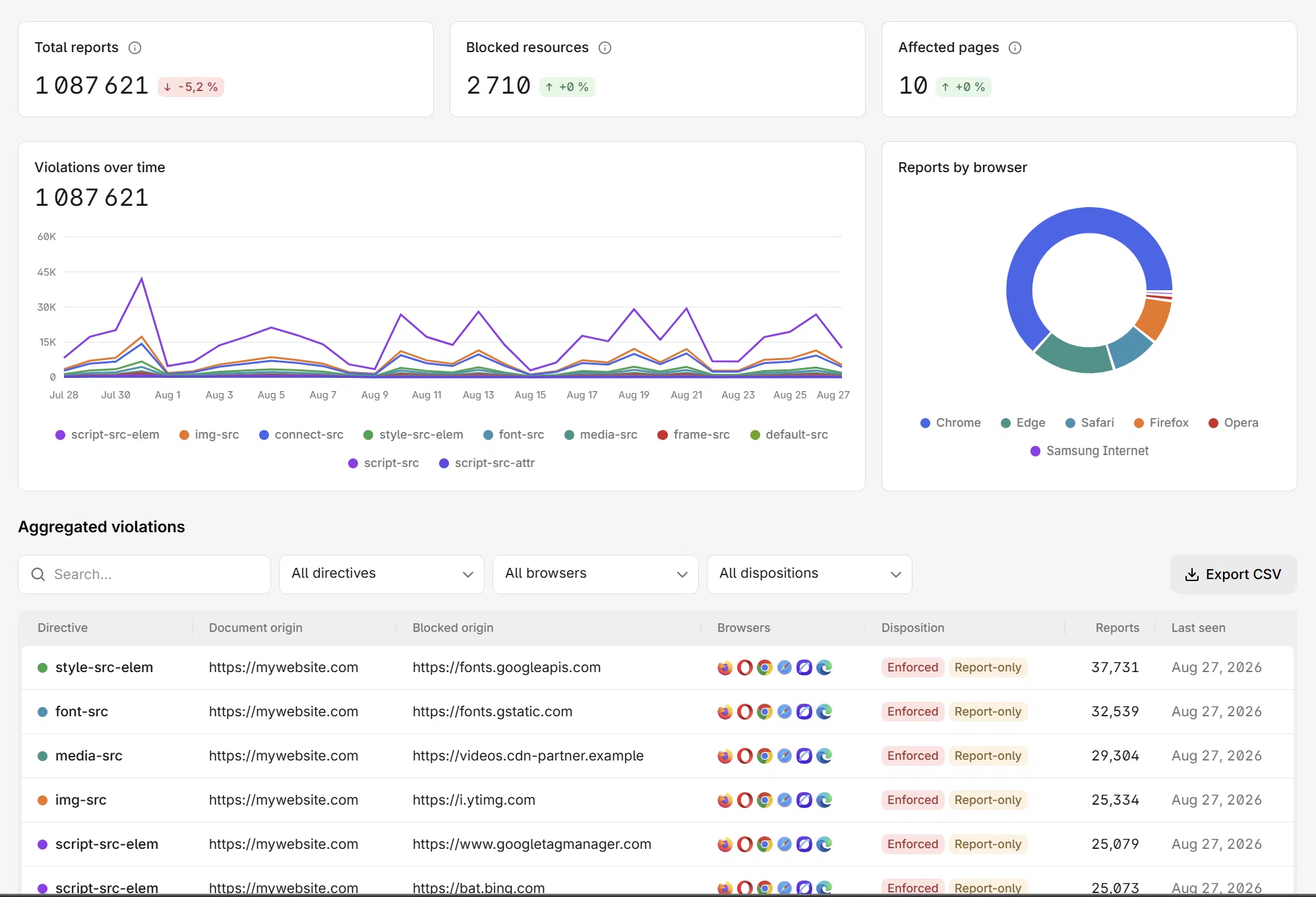
The dashboard is just another API client. Every workspace resource has endpoints to read it and manage it, so if a number is on a screen, there is a call that returns it.
GET /workspaces/:id/websitesView endpointsSites
List, create and configure monitored sites. Each returns its managed reporting endpoint, ready for the header.
GET …/websites/:id/reports/:type/rawView endpointsReports
Raw and aggregated browser reports, filterable by type, directive, origin and time range.
GET …/websites/:id/compliance/scriptsView endpointsScripts and SBOM
The script inventory with integrity hashes, library versions and known CVEs.
GET …/websites/:id/stats/metrics/:idView endpointsMetrics and charts
The same metrics and chart series the dashboard renders, per site or across the workspace, for your own reporting.
POST …/websites/:id/alerts/rulesView endpointsAlerting
Create alert rules and route them to Slack, Teams or any webhook.
GET /workspaces/:id/membersView endpointsMembers and audit
Invite members, assign roles and read the workspace audit log.
MCP server
Put the API in your agent's hands.
The CentralCSP MCP server exposes your websites, reports, scans, alert rules and the CSP builder as tools any agent can call. Connecting is one server URL and an OAuth sign-in, with no secret to store.
- Works with Claude Code, Claude Desktop, Codex CLI and any MCP client
- Same coverage as the REST API
- The server holds no credential: it signs you in over OAuth and acts as you
- Flip the workspace AI integration kill switch and it is cut off


Agent permissions
What an agent can and cannot do
The server acts as you. It never gains a permission you do not already have, and the workspace kill switch cuts every AI integration at once.
| Scope | What that means |
|---|---|
| Can read | Your websites, their reports and scores, script inventories, scan results and alert rules, for the sites your roles already reach |
| Can change | What your roles let you change: start a scan, create or edit an alert rule, add a website |
| Can never | Reach a workspace or a site you have no role on, act after the key is revoked, or survive the workspace AI integration kill switch |
What teams script first.
No SDK required. Three calls with curl and a cron get you further than most integrations.
Gate your deploys from CI/CD
Your CI/CD job starts a scan on the release URL, polls until it finishes, and reads the score back. Compare it to the previous run and exit non-zero when a release would weaken the policy or drop a security header, so the build fails before the deploy lands.
Feed your SIEM or data warehouse
Pull CSP violations, script hashes and network errors, plus scores and inventories, into your SIEM, your data warehouse or a weekly client report.
Onboard sites in a pipeline
Create the site, read back its reporting endpoint and ship the header in the same run.
Further reading
Start with the reference
Connect an agent, create a key, and read the endpoint reference.
FAQ
Frequently asked questions
MCP, tokens and plans, answered.
Collect the signal. Script the rest.
Start free, add the header, and automate from day one. API and MCP are included from the Business plan.