Tools
CSP evaluator
Paste a Content-Security-Policy and get a graded evaluation: weaknesses flagged directive by directive, with prioritized fixes.
Evaluate a policy
Paste a Content-Security-Policy and get a graded evaluation: every directive checked, weaknesses flagged, prioritized fixes.
Sample result
See a graded policy before you paste yours
The kind of policy most sites still ship, graded and flagged directive by directive. Paste yours above to get the same verdict.
Critical CSP gaps
Overall CSP score
Next actions
Replace 'unsafe-inline' in script-src with a nonce or hash
Stop allowlisting hosts with known JSONP endpoints
Replace the wildcard host with an exact hostname or a nonce
Add object-src 'none' and base-uri 'none'
How well the site resists client-side attacks.
The configuration has significant security gaps.
Hygiene only: typos, duplicates, dated values.
A few things to tidy up: dated values, duplicated directives, options that no longer match current practice. None of them weakens the site, they just make it harder to maintain.
Flagged values are tinted by severity. Select one to see what is wrong, the impact, and the fix to apply.
Findings & recommendations
Issues and quality recommendations for this Content-Security-Policy.
Guide
Understanding your CSP evaluation
A Content-Security-Policy is only as strong as its weakest directive. The evaluator reads the policy the way an attacker would: it looks for the keyword, the wildcard, or the allowlisted host that turns your header into a bypass.
How this compares to Google's CSP Evaluator
Google's CSP Evaluator and ours flag the same core weaknesses. What differs is what you get back, and what happens after the policy ships.
| Capability | CentralCSP | Google's CSP Evaluator |
|---|---|---|
| Per-finding severity | Yes | Yes |
| Known allowlist and JSONP bypass checks | Yes | Yes |
| Overall 0-100 grade | Yes | No |
| Separate security and quality scores | Yes | No |
| Findings ordered by severity, each with a next action | Yes | Flags the weakness |
| Parsed directive view pinning each finding to its value | Yes | Per-directive listing |
| Accepts a Report-Only policy value | Yes | Not distinguished |
| Violation reporting once the policy is deployed | Yes, through CentralCSP | No |
What the evaluator checks
The policy is parsed directive by directive and every source value is checked for what an attacker could use: unsafe keywords, overly broad sources, missing fallback directives, and allowlisted hosts that can be abused to run code the policy was supposed to block. Each class of weakness is explained in the script-src directive reference.
How to read the scores
The verdict is built to be acted on: every weakness is pinned to the directive that caused it, with the fix right next to it. A dangerous keyword? Flagged. A source broad enough to be abused? Flagged too. Chase the security score first, a tidy policy can still be wide open, and clear the next actions in order: they are already sorted by what an attacker would use first.
What a good CSP score looks like
Two axes, one to chase. The security score measures how well the policy resists real attacks; the quality score measures how cleanly it is written. A policy can be immaculately authored and still leave the door open, so when the two disagree, the security score is the one that matters.
| Score | What it means |
|---|---|
| 80 and above | A solid CSP setup. Worth keeping under monitoring so it does not drift. |
| 50 to 79 | Needs attention. The policy exists but something in it undoes a good part of the protection. |
| Below 50 | Critical gaps. Treat the top findings as the work, not as a backlog. |
Three findings you will almost certainly see
'unsafe-inline' in script-src is the first. It allows any injected script to run, which is the exact thing the directive exists to stop. The fix is a nonce or a hash for the inline code you actually need.
A wildcard or a long host allowlist is the second. A wildcard host trusts every file on every subdomain, and a long allowlist is only as strong as its weakest entry: one host serving a JSONP endpoint is enough to bypass the policy. The fix is to shorten the list, or move to a nonce with strict-dynamic so the list stops carrying the weight.
A missing object-src or base-uri is the third. Neither falls back to default-src in a way that protects you, so both should be set to 'none' unless you have a specific reason not to.
Check a policy before it ships
Because the evaluator works on the policy text alone, nothing has to be live. Paste the value from your nginx config, your middleware, or a teammate's pull request and review it before it reaches production. It also reads a Content-Security-Policy-Report-Only value, so you can grade the policy you are trialing before you enforce it.
A clean evaluation is step one, not proof. Deploy the policy in report-only mode first and watch what real browsers report; the policy that looks strict on paper is often the one that blocks your own checkout script. When the site is live, scan the URL with the CSP scanner to confirm the header your server actually sends matches what you evaluated.
Why an allowlist policy still gets bypassed by JSONP
Most policies in the wild are allowlists, and that is why they fail: you are not trusting hosts, you are trusting every file on them, and a single abusable endpoint on an allowlisted CDN runs attacker code with the policy enforced. How JSONP endpoints bypass your CSP walks through the bypass step by step.
The fix is a strict CSP: replace the host list with a nonce or hash plus 'strict-dynamic', so trust attaches to the scripts you tagged rather than to whole origins, and close the fallback gaps with object-src 'none' and base-uri 'none'. How nonces and hashes work is covered in the CSP hashes and nonces guide. The full syntax is in the script-src directive reference.
When a security rating flags your CSP
Rating platforms like SecurityScorecard and Bitsight score your CSP from the outside, and a finding like "Content Security Policy Contains Broad Directives" often arrives via a customer or an insurer. Paste the exact policy from the finding here to see what their scanner saw and which directive triggered it.
Fix the flagged directive, evaluate the corrected policy until it comes back clean, then deploy it and use the platform's own resolve or rescan flow. A decorative wide-open policy no longer helps: rating scanners grade permissive policies as failures, so the finding only closes with a policy that is genuinely tighter.
More free tools
Keep auditing with the other free tools
Every tool is free, runs without an account, and scores with the same severity scale.
CSP scanner
Fetch a URL's live Content-Security-Policy and score it against known bypasses, wildcard sources and missing directives.
- Directive-level findings
- Shareable results link
CSP hash generator
Turn an inline script or style into the hash that lets it run under a strict policy, right in your browser.
- Runs entirely client-side
- SHA-256, 384 and 512
Security headers scanner
Grade every security header a URL sends, from HSTS to Permissions-Policy, with each finding explained and prioritized.
- Every header, one grade
- Fix list ordered by impact
Chrome extension
Watch violations stream in on a real page, swap the policy in Report-Only or Enforce, and test a fix without a deploy.
- Test against production pages
- No deploy to try a policy
FAQ
Frequently asked questions
Scoring, bypasses and pre-deploy checks, answered.
Your policy will change. Re-check it automatically.
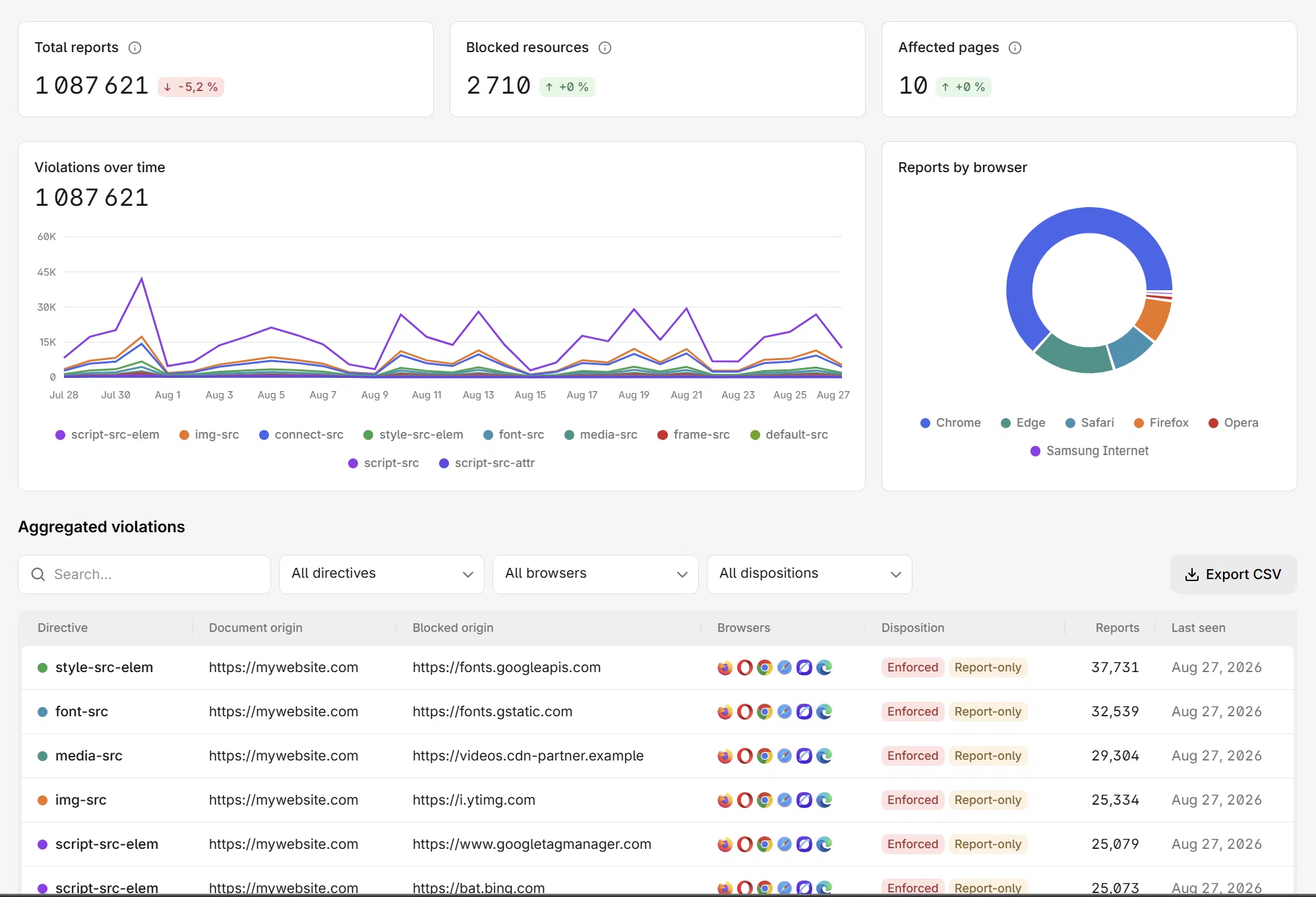
The evaluator grades a snapshot. CentralCSP watches the policy your site actually serves and collects violation reports from your visitors' browsers, so a new script, a weakened directive, or a broken page shows up as an alert instead of an incident. Add one header, no code changes.